
Sensors for museums and exhibitions
Switch audio automatically at each exhibit, guide visitor flow and manage your sensors in Curator+.
Cetris
When a visitor approaches an exhibit, Cetris sensors let the audio guide switch to the right story automatically.
Adjust the detection range to suit the room. Nearby exhibits can have separate sound zones even when there are no walls between them.
Explore automatic audio switching
Air boundaries
Give nearby exhibits their own listening zones, even in an open gallery. As visitors move into a new zone, the audio guide switches to the story for that exhibit.
Each sensor’s detection range can be adjusted during installation to suit the distance between exhibits and the way visitors approach them.
See how automatic switching works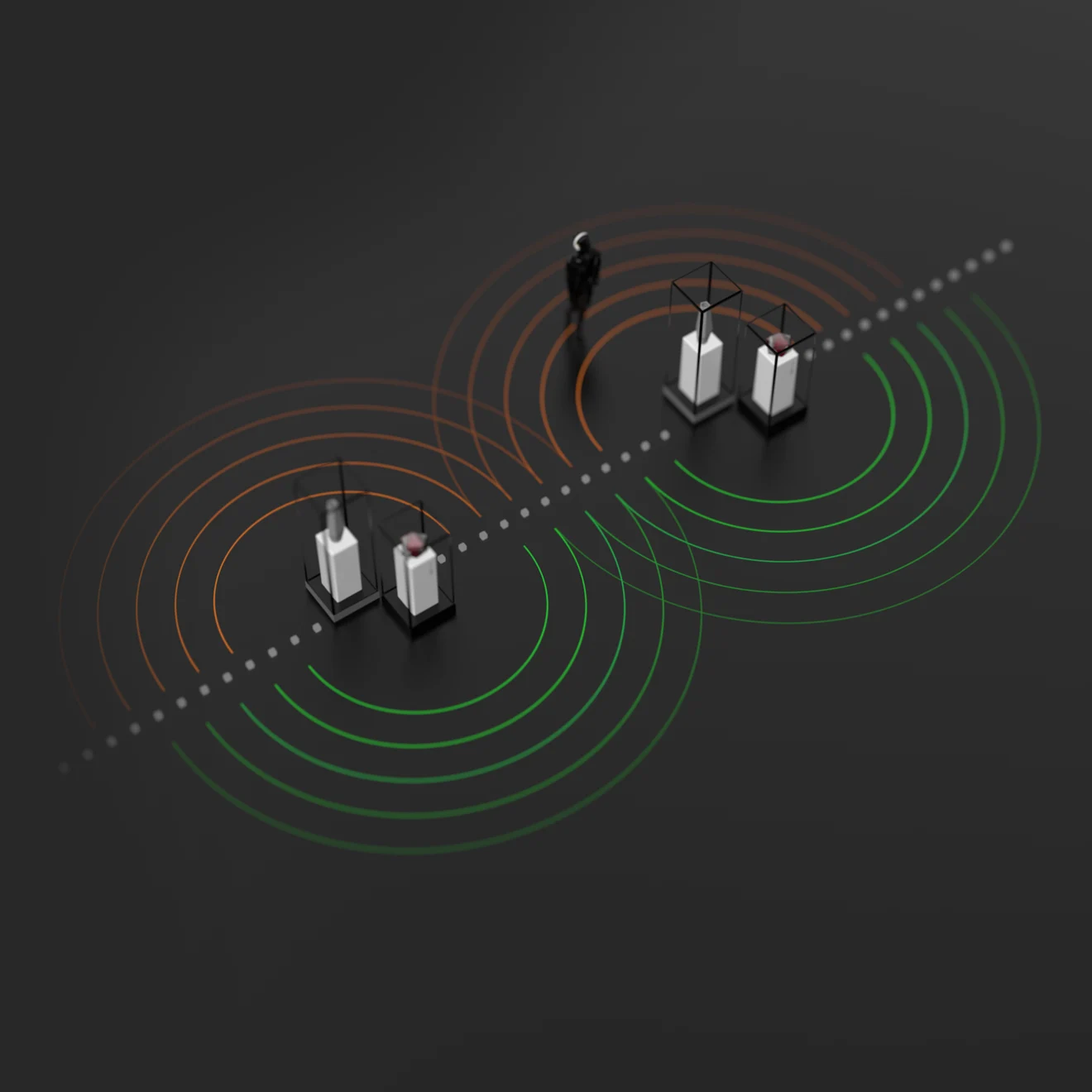
LIGHTGUIDE RGB V3.0
Assign a colour to each route so visitors can find their next stop at a glance. Guiding people along different routes helps spread arrivals across exhibits.
The same collection can offer different stories for children, adults and specialists, with audio switching automatically along the way.
Explore LIGHTGUIDE
Manage every sensor in Curator+
Cetris and LIGHTGUIDE work with your Curator+ cabinet. Update the installation as your exhibition changes and keep track of every sensor from one place.
Set up your audio zones
Set each sensor’s detection radius and assign it to a location. Add or remove sensors, move them to new exhibits, or swap their locations in the cabinet.
See battery levels live
Check the latest reported charge for each sensor online, so your team knows which batteries need attention.
Notify the teams that need to act
When a battery needs replacing, Curator+ automatically emails the designated contacts, including the venue’s IT and technical teams.
Try the Sensors cabinet
Demo data · changes reset on reloadEquip the rest of the venue
BrandSound™
Branded headphones
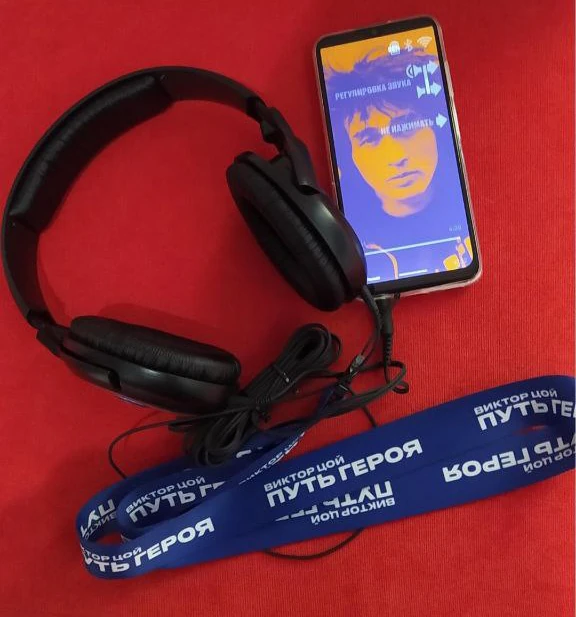
BrandSound™ supplies headphones with the museum’s logo, matched to its brand and delivered with the system.
Open feature →ENTERPRISEMonitoring & operationsLive in Dubai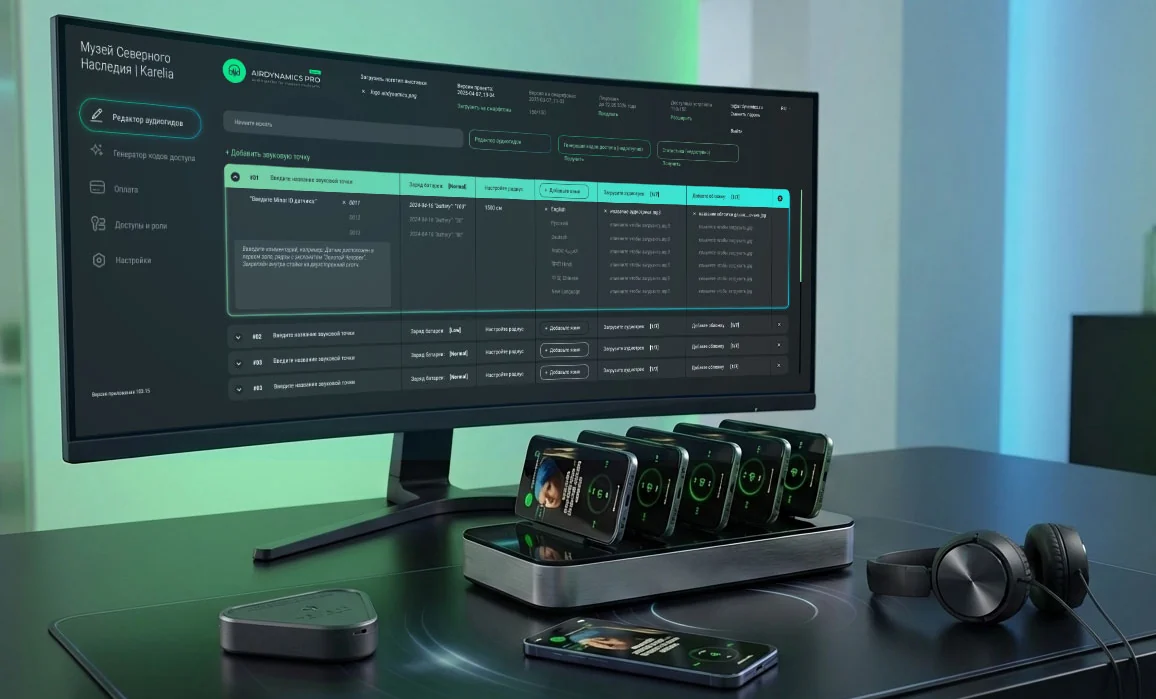
LiveView™
Live fleet dashboard
LiveView™ shows every phone, group and hall live: ready, on tour, charging, low battery or off, with guest counts per group.
Open feature →ENTERPRISEServer & integrationsLive in Dubai + Manege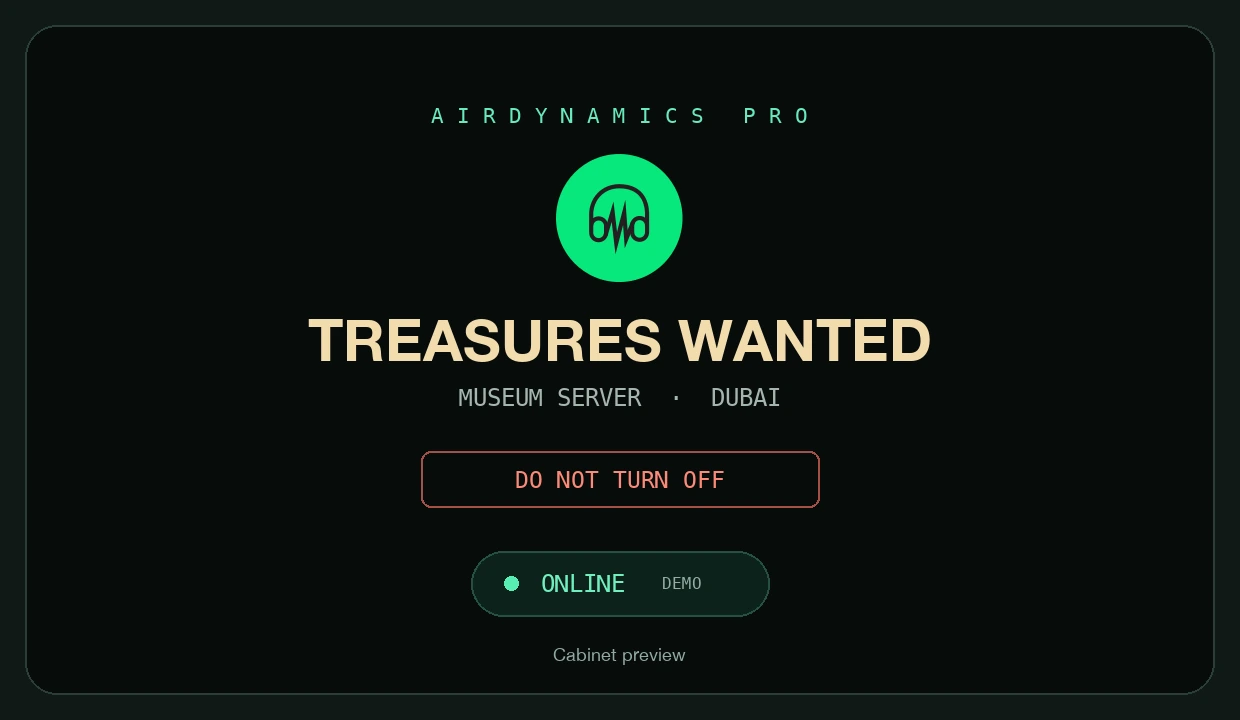
AlwaysOn™
Offline mode
AlwaysOn™ keeps tours running without internet: the server lives inside the museum network and starts by itself after a power cut.
Open feature →ENTERPRISEMonitoring & operationsLive in Dubai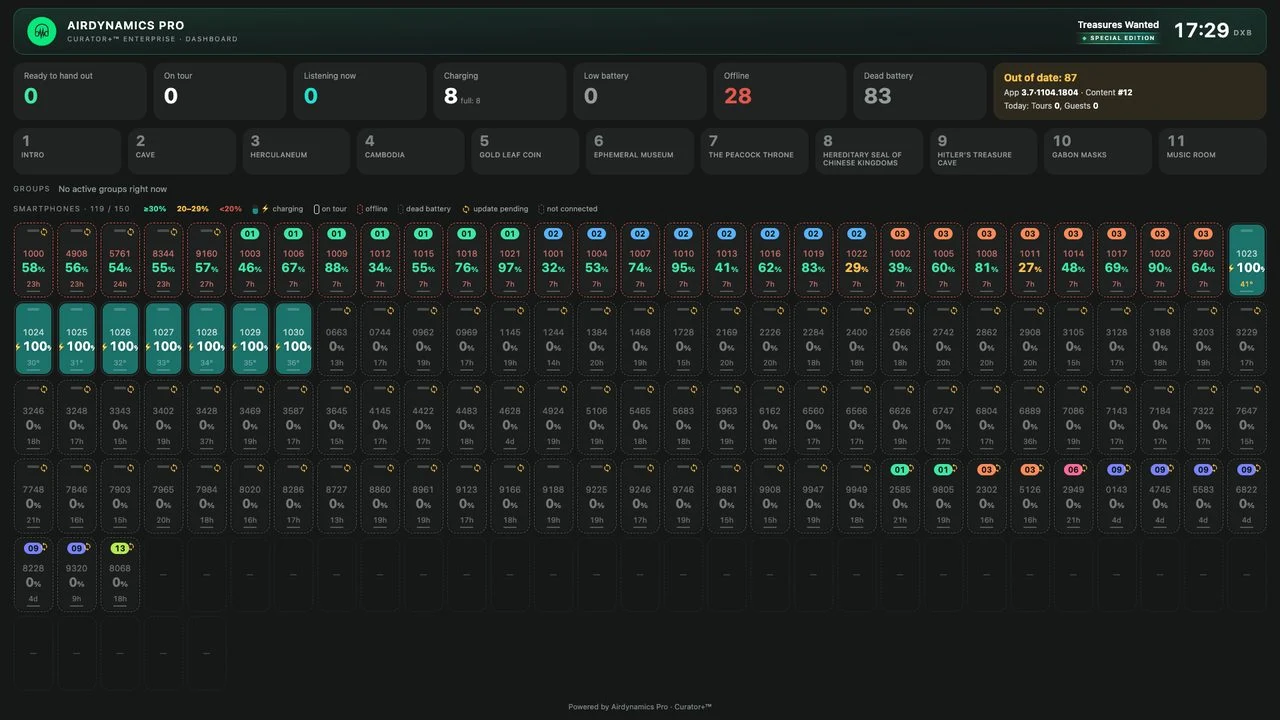
ScreenView™
TV dashboard app
ScreenView™ is a native Samsung TV app that shows the dashboard, statistics and staff training, and starts by itself after a power cut.
Open feature →ENTERPRISEPlan your hardware installation
Tell us about your venue and the way visitors move through it.
Write to us in any language. We work with museums worldwide.